


Komos
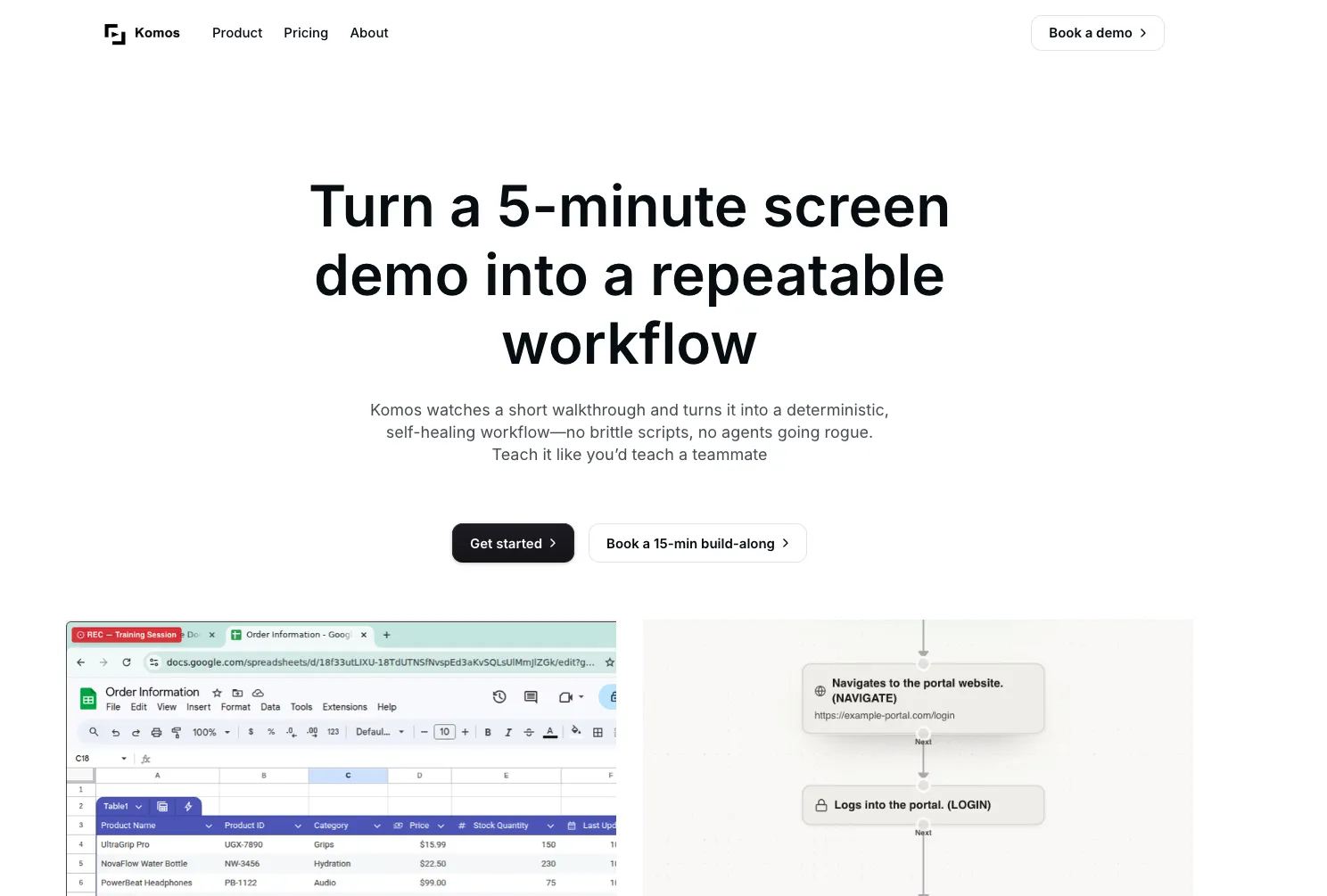
Komos AI watches a short walkthrough and turns it into a deterministic, self-healing workflow. No brittle scripts, no agents going rogue.
- Use Cases
- Not listed yet
- Pricing
- Subscription
- Platforms
- Not listed yet
Overview
Komos is an AI-powered browser automation platform that transforms screen recordings into reliable, self-healing workflows without requiring code. Teams struggling with repetitive manual tasks across legacy systems, vendor portals, and modern SaaS apps can now automate complex processes by simply recording themselves working. The platform watches your demonstrations, understands context through computer vision and voice narration, then generates editable workflows complete with smart integration routing across 100+ native connectors. Unlike traditional automation tools that break with minor UI changes, Komos adapts automatically using AI vision to handle interface updates. Trusted by operations teams across healthcare, finance, legal, and supply chain sectors, the platform features deterministic visual flows, enterprise-grade security with encrypted credential vaults, MFA support, and comprehensive audit trails. Users maintain full control through branching logic, loops, and version rollbacks while accessing workflows as APIs for seamless stack integration.
AI-Powered Workflow Recording: Simply narrate and demonstrate any browser-based task once, and Komos watches your screen to automatically generate structured, editable automation workflows that mirror human judgment and decision-making patterns.
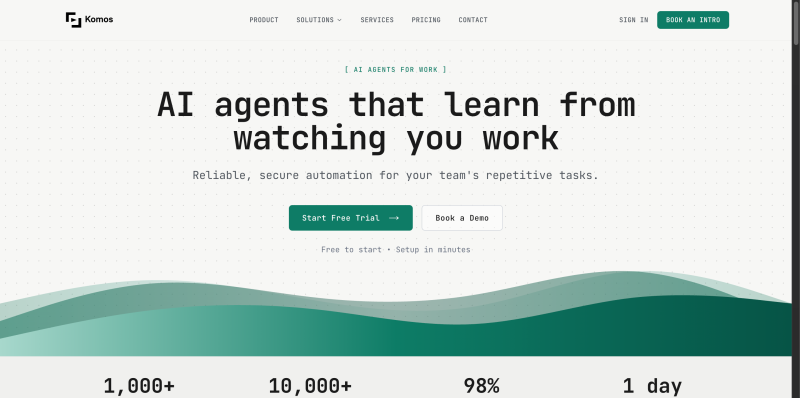
Details
Self-Healing Browser Automation: Computer vision AI adapts to interface changes without brittle CSS selectors or XPath dependencies, maintaining reliability even when websites update their design or restructure elements.
Smart Integration Routing: Komos automatically selects the optimal path from 100+ native integrations, including Salesforce, HubSpot, Zendesk, Slack, and Google Workspace, falling back to browser automation when APIs don't exist.
Visual Workflow Editor: Every automation appears as a clear, editable flowchart with full control over branching logic, conditional statements, loops, and wait guards—no black-box AI decisions hiding behind the scenes.
Enterprise Document Processing: Extract structured data from PDFs, images, spreadsheets, and scanned documents with AI field detection, then write back to forms, update spreadsheets, and modify files within your workflows.
Production-Ready Security: KMS-backed encryption protects credentials at rest and in transit with per-organization and per-workflow scoping, plus support for TOTP, SMS, and email MFA during automated runs.
Workflows as APIs: Expose any automation as a REST API endpoint for triggering from webhooks, schedulers, or internal applications, enabling seamless integration with your existing technology stack.
Who This Is For
Perfect for operations teams in healthcare, finance, legal, and supply chain industries who spend hours weekly logging into scattered vendor portals, legacy systems, and internal tools to perform repetitive data entry, updates, and reconciliation tasks.
Ideal for IT and automation leaders seeking to modernize workflows across systems that lack APIs or require complex authentication, replacing fragile RPA solutions with AI-powered automation that adapts to interface changes.
Designed for process managers and business analysts who need to democratize automation without engineering resources, enabling domain experts to build and maintain workflows through natural demonstrations rather than code.
Common Questions
How is Komos different from traditional RPA or Zapier-style automation?
Komos combines browser-level automation with API integrations, automatically choosing the best approach for each step. Unlike RPA tools with brittle selectors that break with UI changes, Komos uses computer vision to understand interfaces visually. Unlike API-only tools like Zapier, Komos can automate any website, including legacy systems and vendor portals that lack APIs.
Do I need programming knowledge to build automations with Komos?
No coding required. Simply record yourself performing a task while narrating your actions, and Komos generates the workflow automatically. The visual editor lets you adjust logic, add conditional branches, and configure timing using drag-and-drop controls. Technical teams can optionally expose workflows as APIs for advanced integrations.
How does Komos handle security for sensitive credentials and MFA requirements?
All credentials are encrypted using KMS-backed systems with per-organization and per-workflow access controls. Komos supports TOTP authenticator apps, SMS codes, and email-based MFA during production runs. Complete audit logs track every execution with step-by-step screenshots for compliance reporting.
Can Komos automate tasks that require complex decision-making and document processing?
Yes, Komos includes AI-powered document processing that extracts tables, line items, totals, and key fields from PDFs, images, and spreadsheets. Workflows support conditional logic, loops, data validation, and multi-step decision trees. The platform handles everything from simple data entry to complex invoice processing and multi-system updates.
Keep researching Komos
Explore relevant products with a similar category, audience, or use case.



Submitted by

Xuan Li
 ChatGPT,
 Claude,
 Perplexity,
 Gemini
