Rendune logo

Rendune

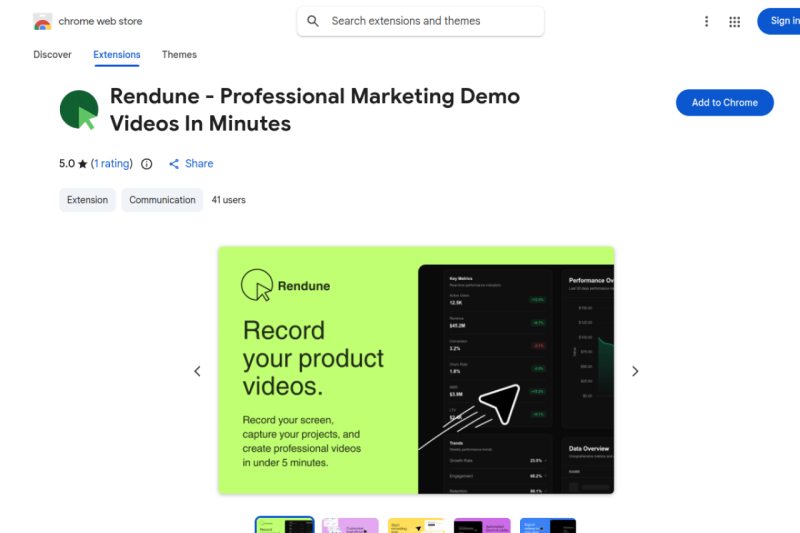
Rendune turns plain screen recordings into cinematic demo videos with smart zoom, animated cursors, and pro-quality exports — free, with no sign-up needed.

Video Thumbnail
Rendune media

Rendune – Professional Marketing Demo Videos in Minutes

Rendune is a Chrome extension that turns your everyday screen recordings into polished, professional demo videos — automatically. It adds smooth 3D zooms, cinematic pans, and an animated cursor that follows your every click, so your videos look like a production team made them. You don't need any video editing skills. You don't need to sign up. You just record, customize, and export.

Key Features

  • Automatic intelligent zoom — Rendune follows your clicks and movements and adds smooth zooms and pans in real time, so you never have to add effects manually.

  • Animated cursor — A custom cursor highlights your actions and guides the viewer's eye to exactly where you want them to look.

  • Hidden scrollbars — Rendune automatically removes scrollbars from your recordings, giving every video a clean, distraction-free look.

  • Full customization suite — Change backgrounds, frames, zoom styles, click animations, and camera settings to match your brand.

  • Cross-platform support — Works on Windows, Mac, and Linux without any issues.

  • Professional-quality export — Export your videos in high quality, ready to upload to any platform.

  • No sign-up required — You can start recording and editing right away without giving your email or credit card.

  • Free forever plan — Record unlimited videos, use the full editing suite, and get 3 free high-quality exports at no cost.

Ideal For

  • SaaS founders who need product demos that convert visitors into paying customers

  • Marketers who want eye-catching video content without hiring a video editor

  • Educators and course creators who want their tutorials to look professional

  • Freelancers and agencies who create demo videos for clients

  • Small business owners who want to show off their product or service on social media

  • Anyone who wants their screen recordings to look polished without any extra effort

Top Use Cases

  • Product demo videos — Show potential customers how your software works and make it look impressive.

  • Onboarding videos — Walk new users through your product step by step with clear visual guidance.

  • Social media content — Create short, attention-grabbing clips for LinkedIn, X, Instagram, or YouTube.

  • Sales outreach — Send personalized video demos to prospects instead of plain text emails.

  • Tutorial and training content — Build courses and how-to videos that look professional from the very first frame.

  • App store previews — Create demo clips that show your app in the best possible light.

  • Internal documentation — Record and share clear process walkthroughs for your team.

Pros and Cons

Pros

  • Free to start — no credit card or sign-up needed

  • Automatic zoom and pan save hours of manual editing

  • Works on all major operating systems

  • Clean, simple interface — no learning curve

  • Full editing suite available even on the free plan

  • Produces high-quality, professional-looking output

  • Unlimited recordings on the free plan

Cons

  • Free plan limits you to 3 high-quality exports

  • Unlimited exports and commercial usage rights require a paid upgrade

  • Only available as a Chrome extension — not a standalone desktop app

  • Currently supports English only

  • Early-stage product with a small user base (though rated 5 stars)

  • No one-time payment option — paid plans are subscription-only

FAQ

Is Rendune really free? Yes. You can record unlimited videos and use the full editing suite for free. Rendune gives you 3 free high-quality exports so you can try everything before you pay anything.

Do I need to create an account to use Rendune? No. You can install the Chrome extension and start recording right away. No email, no credit card, no sign-up required.

What do I get on the free plan? The free plan includes unlimited recordings, the full editing suite, the animated cursor, hidden scrollbars, professional zoom effects, and 3 high-quality video exports.

What do I get if I upgrade to Pro? The Pro plan unlocks unlimited exports, commercial usage rights, up to 100 saved projects, and priority support.

Does Rendune work on my operating system? Yes. Rendune works on Windows, Mac, and Linux. Since it runs as a Chrome extension, you just need Google Chrome installed.

Can I cancel my subscription at any time? Yes. You can cancel your paid subscription at any time.

Does Rendune sell my data? No. Rendune does not sell your data to third parties. You can read the full details in their privacy policy on rendune.com.

Who is Rendune made for? Rendune is built for SaaS founders, marketers, educators, and anyone who wants to create professional demo videos quickly — without hiring a video editor or learning complex software.

Where can I get help if I have a problem? You can contact the Rendune support team directly at support@rendune.com or by phone at +33 7 60 97 02 33.

Pricing Model

Freemium
Find alternatives to Rendune

Compare with

Rendune vs ClearTok →

Shares software category focus: Browser Extensions, Video.

Rendune vs Videoyards →

Shares software category focus: Browser Extensions, Video.

Search Products

Start typing to search for products.