

V
- Use Cases
- Not listed yet
- Pricing
- Free
- Platforms
- Not listed yet
- Ideal For
- Not listed yet
Overview
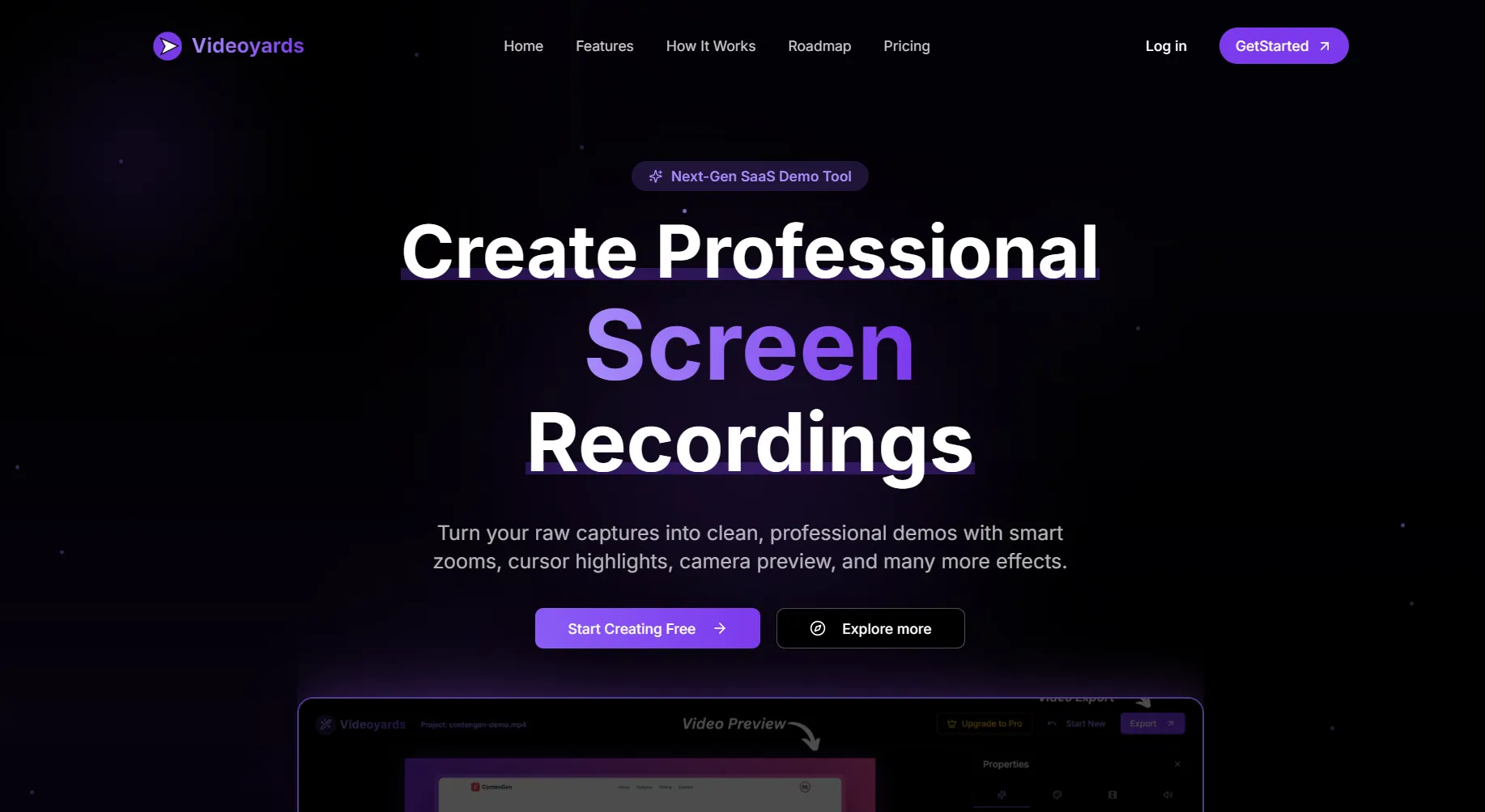
VideoYards is a comprehensive screen recording editor designed specifically for creating professional SaaS demos, tutorials, and product showcases that drive conversions. This all-in-one platform combines screen recording capabilities with advanced editing features, enabling users to transform basic screen captures into polished, engaging content without requiring extensive video editing experience.
The platform streamlines the entire demo creation process through its Chrome extension, which allows users to record their screen instantly or upload existing recordings. What sets VideoYards apart is its intelligent automation features that apply professional effects automatically, making it accessible for users who need high-quality results quickly.
Details
Key Features
- Smart Auto-Zoom Technology: Automatically detects and zooms to critical areas of your screen, ensuring viewers focus on important interactions and content
- Custom Cursor Effects: Transform basic cursor movements into professional highlight tools with customizable effects, automatic click detection, and movement tracking
- Professional Backgrounds: Replace cluttered desktop environments with sleek, custom backgrounds and overlays for a polished appearance
- Integrated Recording & Editing: Record directly through the Chrome extension and seamlessly export to the editing dashboard without manual uploads
Read full editorial notes
Key Features
- Smart Auto-Zoom Technology: Automatically detects and zooms to critical areas of your screen, ensuring viewers focus on important interactions and content
- Custom Cursor Effects: Transform basic cursor movements into professional highlight tools with customizable effects, automatic click detection, and movement tracking
- Professional Backgrounds: Replace cluttered desktop environments with sleek, custom backgrounds and overlays for a polished appearance
- Integrated Recording & Editing: Record directly through the Chrome extension and seamlessly export to the editing dashboard without manual uploads
- HD & 4K Export Quality: Export videos in up to 4K resolution with no watermarking, suitable for professional presentations and marketing materials
Who This Is For
- SaaS Companies and Product Managers creating conversion-focused product demos and feature showcases
- Tutorial Creators and Educators developing engaging software tutorials and educational content
- Sales Teams and Customer Success producing professional presentations and support materials
Common Questions
Q: What's the difference between the free and pro plans?
A: The free plan offers unlimited exports up to 1 minute with 1080p quality, while Pro provides unlimited export time, 4K quality, camera integration, and lifetime updates.
Q: Do I need video editing experience to use VideoYards?
A: No, the platform applies professional effects automatically and features an intuitive editing dashboard designed for users without a video editing background.
Q: Can I use my existing screen recordings?
A: Yes, you can upload existing recordings or use the Chrome extension to capture new content directly within the platform.
Q: Is there a watermark on exported videos?
A: No, both free and pro plans export videos without watermarking, ensuring professional presentation quality.
Keep researching Videoyards
Explore relevant products with a similar category, audience, or use case.



Launched
Ownership
If this is your product, contact us and we can help transfer it to you.
 ChatGPT,
 Claude,
 Perplexity,
 Gemini

