

- Use Cases
- Photo Organization Data Storage
- Pricing View
- One-time Payment
- Ideal For
- Developers Solo Makers
Overview
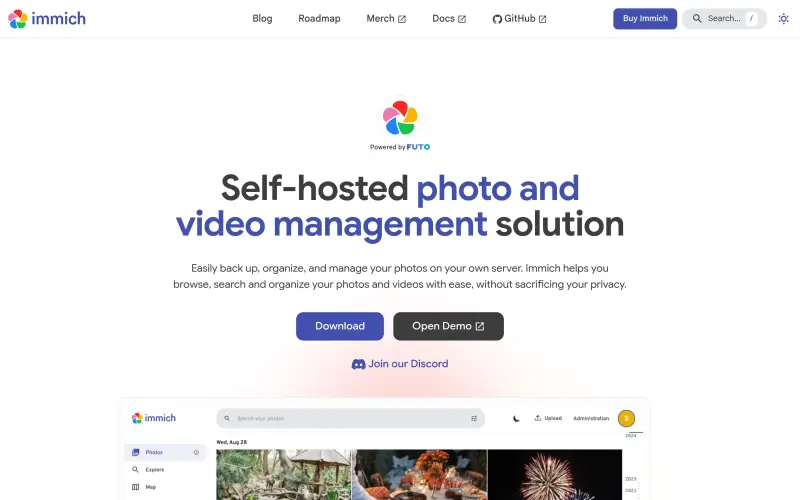
Immich is a self-hosted photo and video management solution that puts you in complete control of your personal media library. It allows you to back up, organize, and browse your cherished photos and videos on your own server, ensuring full data ownership and privacy.
This means you can easily consolidate all your media from devices like Android and iOS, keeping everything secure and accessible without relying on third-party cloud services or their data policies, offering a truly private alternative.
Details
Key Features
- Self-hosted media management: Keep your entire photo and video collection stored directly on your own server, not in a third-party cloud.
- Privacy-focused design: Maintain full control and ownership of your personal data, ensuring your media remains private and secure.
- Easy backup from mobile devices: Consolidate photos and videos effortlessly from Android and iOS devices onto your central server.
- Intuitive browsing and searching: Quickly navigate through your collection and find specific memories using integrated search capabilities.
Best For
- Individuals who prioritize data privacy and ownership over their personal photos and videos.
- Users seeking to escape subscription-based or free cloud storage services for media management.
- Anyone comfortable with setting up and maintaining their own server for a personalized media library.
Top Use Cases
- Building a secure, private archive of all your family photos and videos on your own hardware.
- Centralizing and organizing media from multiple smartphones, tablets, and cameras into one accessible location.
- Quickly locating specific moments or events in your vast collection using powerful search functions.
Integrations
- Immich provides an API (Immich API) for developers to build custom tools and extend its functionality.
- Dedicated client applications are available for Android and iOS mobile devices.
- It includes support for Immich Data and Immich Datasets, suggesting structured access and advanced management of your media library.
Pros
- Enhanced privacy through self-hosting
- full data ownership and control
- cross-platform access via Android and iOS apps.
Limitations
- Requires users to set up and maintain their own server hardware and software.
Read full editorial notes
What is Immich?
Immich is a self-hosted photo and video management solution that gives users complete control over their digital media. It helps you bring all your photos and videos onto your personal server, providing tools to organize, search, and manage them securely and privately.
What are the key features of Immich?
Self-hosted media management: Keep your entire photo and video collection stored directly on your own server, not in a third-party cloud.
Privacy-focused design: Maintain full control and ownership of your personal data, ensuring your media remains private and secure.
Easy backup from mobile devices: Consolidate photos and videos effortlessly from Android and iOS devices onto your central server.
Intuitive browsing and searching: Quickly navigate through your collection and find specific memories using integrated search capabilities.
Organize your photo and video library: Utilize tools designed to help you structure, sort, and manage your media with ease.
Who is Immich best for?
Individuals who prioritize data privacy and ownership over their personal photos and videos.
Users seeking to escape subscription-based or free cloud storage services for media management.
Anyone comfortable with setting up and maintaining their own server for a personalized media library.
What can you use Immich for?
Building a secure, private archive of all your family photos and videos on your own hardware.
Centralizing and organizing media from multiple smartphones, tablets, and cameras into one accessible location.
Quickly locating specific moments or events in your vast collection using powerful search functions.
How does Immich compare to alternatives?
Compared to public cloud services (e.g., Google Photos, Apple Photos): Immich offers full data ownership and enhanced privacy by hosting everything on your own server, unlike services where your data resides on a third-party's infrastructure subject to their policies.
Compared to local desktop software: Immich provides a centralized, server-based solution accessible across various devices (Android, iOS) for both backup and browsing, offering greater flexibility than single-device storage and management.
What integrations and ecosystem support does Immich offer?
Immich provides an API (Immich API) for developers to build custom tools and extend its functionality.
Dedicated client applications are available for Android and iOS mobile devices.
It includes support for Immich Data and Immich Datasets, suggesting structured access and advanced management of your media library.
What are the pros and limitations of Immich?
Pros: Enhanced privacy through self-hosting; full data ownership and control; cross-platform access via Android and iOS apps.
Limitations: Requires users to set up and maintain their own server hardware and software.
Built with
Keep researching Immich
Explore relevant products with a similar category, audience, or use case.



Resources
Social Profiles
Useful Links
Launched
Ownership
If this is your product, contact us and we can help transfer it to you.
 ChatGPT,
 Claude,
 Perplexity,
 Gemini

