


- Use Cases
- Collaboration Document Editing
- Pricing
- Free
- Platforms
- iOS
- Ideal For
- Remote Teams Students
Overview
For individuals looking for a comprehensive note-taking solution, InkNode, like AI Note, PDF & Collab, offers a powerful tool for organizing thoughts, collaborating with others, and streamlining workflows.
By combining handwriting, PDF editing, and collaboration features, InkNode provides a versatile platform for capturing ideas, annotating documents, and collaborating on projects, making it an essential tool for students, professionals, and teams seeking to enhance their productivity and efficiency.
Details
Key Features
- Unlimited local note-taking, allowing users to create and store notes without worrying about storage limits
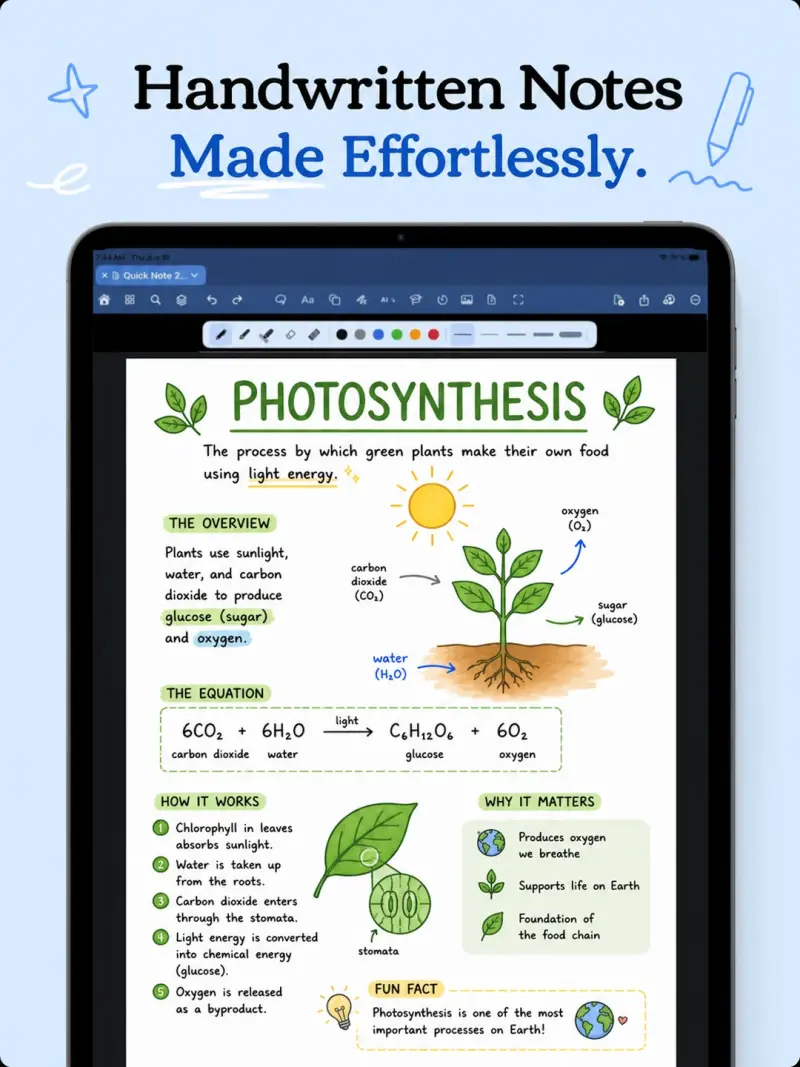
- Handwriting recognition and editing, enabling users to write and sketch with precision and accuracy
- PDF editing and annotation make it easy to work with documents and share feedback with others
- Collaboration features, including real-time cloud-backed collaboration and co-ownership of shared projects
Best For
- Students, who can use the app to take notes, collaborate on group projects, and study for exams
- Professionals, who can utilize the app to organize meetings, collaborate with team members, and manage documents
- Teams and study groups, that can benefit from the app's real-time collaboration features and shared project management
Top Use Cases
- Taking notes and organizing ideas, whether in a classroom, meeting, or brainstorming session
- Collaborating with others on documents, projects, or presentations, and sharing feedback in real-time
- Creating and editing PDFs, including annotating documents and filling out forms
Integrations
- The available source material does not clearly specify integrations, but the app does offer cloud syncing and optional cloud features, including collaboration and AI-powered tools
Pros
- unlimited local note-taking
- powerful collaboration features
- AI-powered tools for productivity and learning
Limitations
- Some features, such as cloud usage and AI credits, are limited for free users, and the app requires registration for full access to cloud features
Read full editorial notes
What is InkNode?
InkNode, like AI Note, PDF & Collab, is designed to provide an all-in-one note-taking experience, allowing users to create, edit, and share notes and collaborate in real time. This app fits into a user's workflow by offering a range of features, including handwriting recognition, PDF editing, and cloud syncing, making it easy to access and manage notes across devices.
What are the key features of InkNode?
Unlimited local note-taking, allowing users to create and store notes without worrying about storage limits
Handwriting recognition and editing, enabling users to write and sketch with precision and accuracy
PDF editing and annotation make it easy to work with documents and share feedback with others
Collaboration features, including real-time cloud-backed collaboration and co-ownership of shared projects
AI-powered tools, such as chatbox, summaries, and quizlets, to enhance productivity and learning
Who is InkNode best for?
Students, who can use the app to take notes, collaborate on group projects, and study for exams
Professionals, who can utilize the app to organize meetings, collaborate with team members, and manage documents
Teams and study groups, that can benefit from the app's real-time collaboration features and shared project management
What can you use InkNode for?
Taking notes and organizing ideas, whether in a classroom, meeting, or brainstorming session
Collaborating with others on documents, projects, or presentations, and sharing feedback in real-time
Creating and editing PDFs, including annotating documents and filling out forms
How does InkNode compare to alternatives?
Unlike other note-taking apps, InkNode offers a unique combination of handwriting recognition, PDF editing, and collaboration features, making it a more comprehensive solution for users
Compared to traditional productivity tools, InkNode provides a more intuitive and user-friendly interface, making it easier for users to get started and stay organized
What integrations and ecosystem support does InkNode offer?
The available source material does not clearly specify integrations, but the app does offer cloud syncing and optional cloud features, including collaboration and AI-powered tools
What are the pros and limitations of InkNode?
Pros: unlimited local note-taking; powerful collaboration features; AI-powered tools for productivity and learning
Limitations: Some features, such as cloud usage and AI credits, are limited for free users, and the app requires registration for full access to cloud features
Built with
Keep researching InkNode
Explore relevant products with a similar category, audience, or use case.



Launched
Ownership
If this is your product, contact us and we can help transfer it to you.
 ChatGPT,
 Claude,
 Perplexity,
 Gemini

