


- Use Cases
- Coding Code Reviews
- Pricing
- Free
- Ideal For
- Developers DevOps Teams
Overview
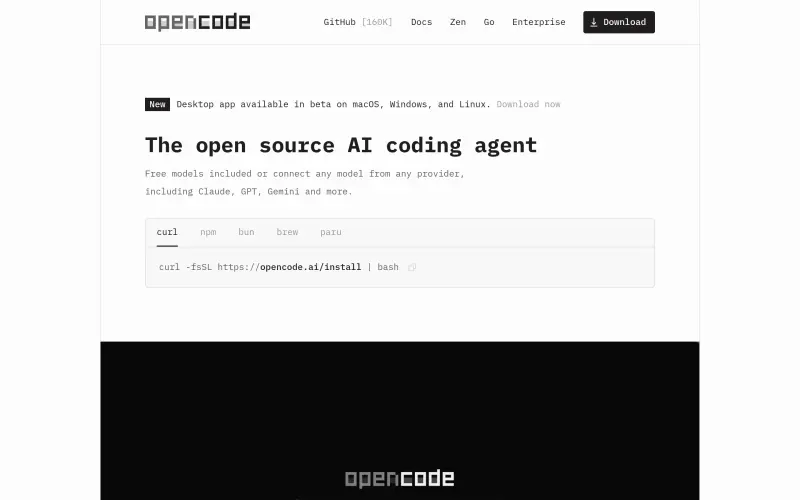
OpenCode is an open-source AI coding agent designed to help developers write code more efficiently, particularly for those who value privacy and flexibility in their coding workflow.
As a coding agent, OpenCode integrates with various development environments, including terminals, IDEs, and desktop apps, making it a versatile tool for developers who work across different platforms and prefer to use their preferred coding setup.
Details
Key Features
- Automatically loads the right LSPs for LLMs, streamlining the coding process.
- Supports multi-session functionality, allowing developers to work on multiple projects simultaneously.
- Enables sharing session links for easy reference or collaborative debugging.
- Allows integration with GitHub Copilot and ChatGPT Plus/Pro accounts for expanded functionality.
Best For
- Professional developers working across multiple projects need a flexible coding agent that can adapt to diverse development environments.
- Developers who prioritize privacy and want to ensure that their code and context data are not stored by the coding agent.
- Teams of developers who collaborate on projects need a tool that supports multi-session work and easy sharing of session links.
Top Use Cases
- Writing code in various programming languages with the assistance of AI models.
- Debugging code by sharing session links with colleagues or referencing previous sessions.
- Managing multiple coding projects simultaneously through multi-session support.
Integrations
- OpenCode integrates with GitHub Copilot, ChatGPT Plus/Pro, and over 75 LLM providers through Models.dev, including support for local models, making it compatible with a broad range of AI models and development tools.
Pros
- Offers flexibility and privacy
- supports a wide range of AI models and development environments
- open-source, which can lead to community-driven improvements and customizations.
Read full editorial notes
What is OpenCode?
OpenCode is an open-source agent that assists developers in writing code by providing features such as automatic loading of the correct Language Server Protocols (LSPs) for Large Language Models (LLMs), multi-session support, and the ability to share session links for reference or debugging.
It fits into a user's workflow by offering a terminal interface, desktop app, and IDE extension, making it accessible across different development environments.
What are the key features of OpenCode?
Automatically loads the right LSPs for LLMs, streamlining the coding process.
Supports multi-session functionality, allowing developers to work on multiple projects simultaneously.
Enables sharing session links for easy reference or collaborative debugging.
Allows integration with GitHub Copilot and ChatGPT Plus/Pro accounts for expanded functionality.
Supports over 75 LLM providers through Models.dev, including local models, giving developers a wide range of AI models to choose from.
Who is OpenCode best for?
Professional developers working across multiple projects need a flexible coding agent that can adapt to diverse development environments.
Developers who prioritize privacy and want to ensure that their code and context data are not stored by the coding agent.
Teams of developers who collaborate on projects need a tool that supports multi-session work and easy sharing of session links.
What can you use OpenCode for?
Writing code in various programming languages with the assistance of AI models.
Debugging code by sharing session links with colleagues or referencing previous sessions.
Managing multiple coding projects simultaneously through multi-session support.
How does OpenCode compare to alternatives?
Unlike some proprietary coding agents, OpenCode is open-source and prioritizes user privacy by not storing code or context data.
OpenCode offers greater flexibility in integrations, supporting a wide range of LLM providers and development environments.
What integrations and ecosystem support does OpenCode offer?
OpenCode integrates with GitHub Copilot, ChatGPT Plus/Pro, and over 75 LLM providers through Models.dev, including support for local models, making it compatible with a broad range of AI models and development tools.
What are the pros and limitations of OpenCode?
Pros: Offers flexibility and privacy; supports a wide range of AI models and development environments; open-source, which can lead to community-driven improvements and customizations.
Limitations: The available source material does not clearly specify all potential limitations, but the requirement for users to have their own AI model subscriptions for full functionality could be seen as a limitation for some users.
Built with
Keep researching OpenCode
Explore relevant products with a similar category, audience, or use case.



Resources
Social Profiles
Useful Links
Submitted by

David Steve
 ChatGPT,
 Claude,
 Perplexity,
 Gemini

