


- Pricing View
- Subscription
- Ideal For
- Designers Developers
Overview
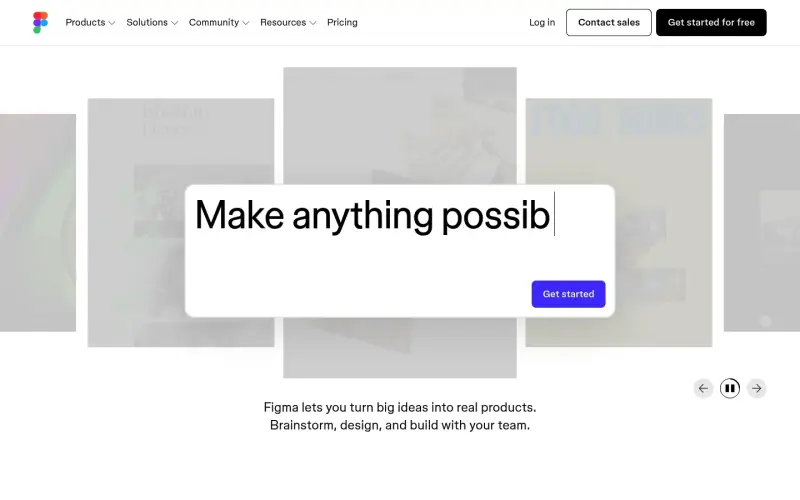
Figma is a collaborative design platform that helps teams build meaningful products by streamlining design, prototyping, and development. It's ideal for designers, developers, and teams who want to work together efficiently and create high-quality products.
Figma stands out for its ability to bring everyone together in one place, allowing for real-time collaboration, feedback, and iteration. This streamlined workflow enables teams to work more efficiently, reducing the time and effort required to take a product from concept to launch. By providing a single source of truth for design, development, and feedback, Figma helps teams stay organized and focused on creating the best possible product.
Details
Key Features
- Collaborative design and prototyping tools that allow teams to work together in real-time
- Design systems and libraries that enable teams to create and share reusable components and assets
- Integration with development tools, allowing designers and developers to work together more efficiently
- AI-powered features that enable users to generate code and build functional prototypes quickly
Best For
- Design teams that want to collaborate on projects and create high-quality designs
- Development teams that need to work closely with designers to build and launch products
- Product managers and stakeholders who want to provide feedback and input on design and development projects
Top Use Cases
- Creating and designing websites, mobile apps, and other digital products
- Building and prototyping interactive designs, such as virtual reality experiences and games
- Designing and developing social media assets, display ads, and other marketing materials
Integrations
- Figma offers integrations with a range of development tools and platforms, although the specifics of these integrations are not clearly stated in the available source material
Pros
- collaborative design and prototyping tools
- integration with development tools
- AI-powered features
- template libraries and design assets
Read full editorial notes
What is Figma?
Figma is a design platform that enables users to create, prototype, and build products collaboratively. It provides a range of tools and features that enable teams to work together seamlessly, from brainstorming and design to development and launch.
What are the key features of Figma?
Collaborative design and prototyping tools that allow teams to work together in real-time
Design systems and libraries that enable teams to create and share reusable components and assets
Integration with development tools, allowing designers and developers to work together more efficiently
AI-powered features that enable users to generate code and build functional prototypes quickly
Template libraries and design assets that help users get started with their projects
Who is Figma best for?
Design teams that want to collaborate on projects and create high-quality designs
Development teams that need to work closely with designers to build and launch products
Product managers and stakeholders who want to provide feedback and input on design and development projects
What can you use Figma for?
Creating and designing websites, mobile apps, and other digital products
Building and prototyping interactive designs, such as virtual reality experiences and games
Designing and developing social media assets, display ads, and other marketing materials
How does Figma compare to alternatives?
Figma offers more advanced collaboration features than some other design tools, making it easier for teams to work together in real-time
Figma's integration with development tools and AI-powered features set it apart from other design platforms that focus primarily on design and prototyping
What integrations and ecosystem support does Figma offer?
Figma offers integrations with a range of development tools and platforms, although the specifics of these integrations are not clearly stated in the available source material
What are the pros and limitations of Figma?
Pros: collaborative design and prototyping tools; integration with development tools; AI-powered features; template libraries and design assets
Limitations: Not clearly stated in the available source material.
Keep researching Figma
Explore relevant products with a similar category, audience, or use case.



Resources
Social Profiles
Launched
Ownership
If this is your product, contact us and we can help transfer it to you.
 ChatGPT,
 Claude,
 Perplexity,
 Gemini

