


Klick Photo
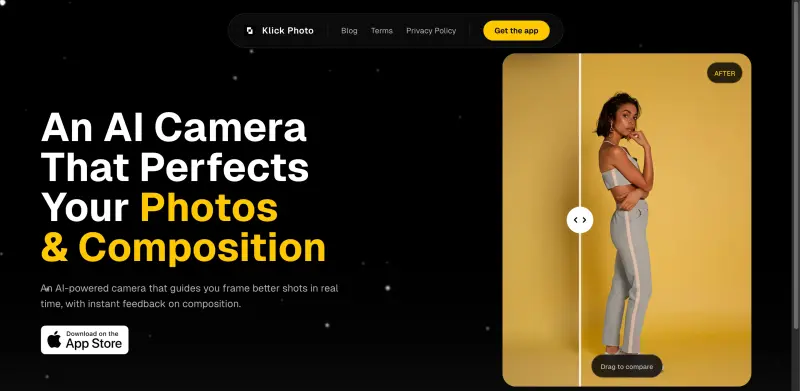
Elevate your mobile photography with Klick Photo's instant framing tips and live shooting guidance for stunning results every time
Overview
Elevate Your Mobile Photography with AI-Powered Perfection
With Klick Photo, you can say goodbye to poorly framed shots and hello to professional-looking photos, as this AI-powered camera app provides real-time guidance and instant feedback to ensure every shot is perfectly composed and framed.
Details
Key Features
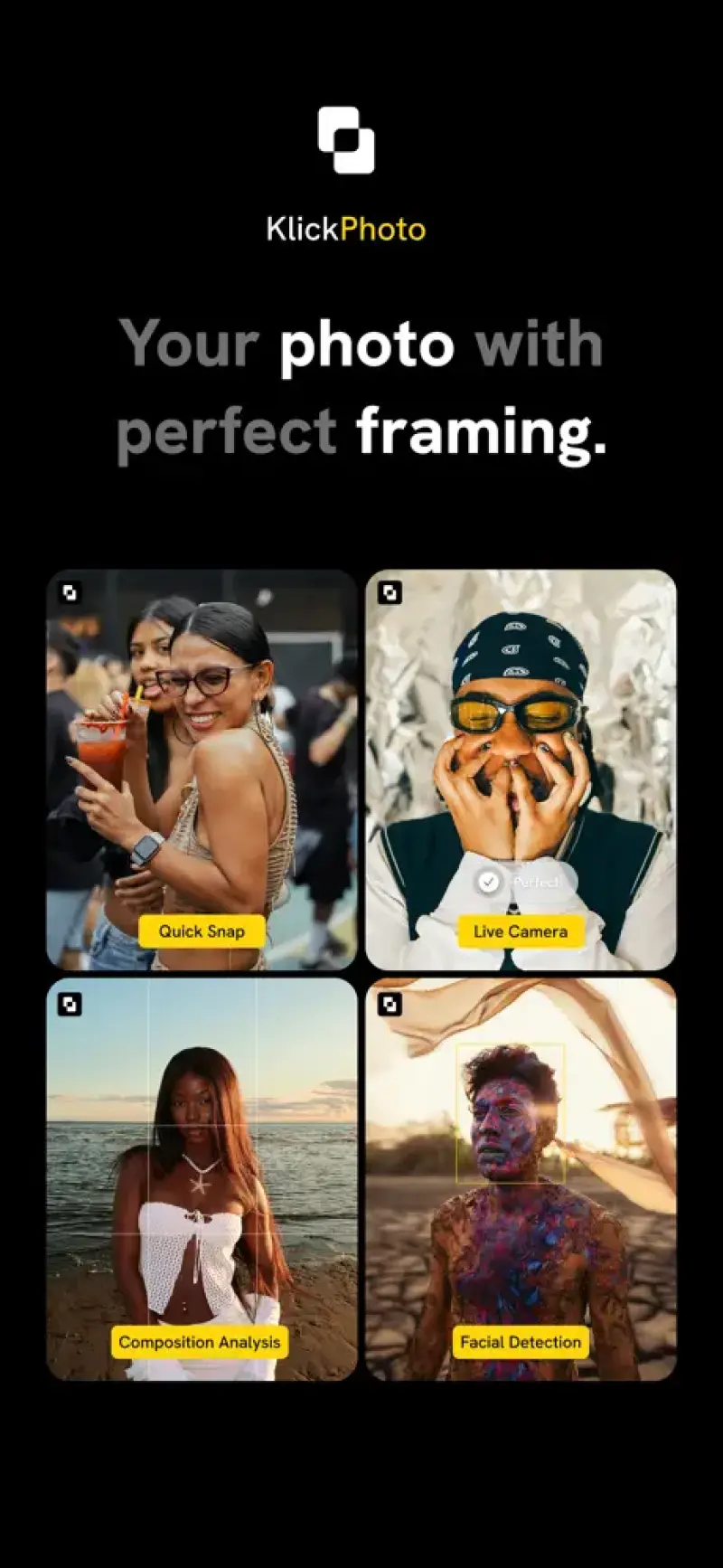
- Real-time shooting guidance that helps you capture better shots, reducing the need for post-editing and saving you time.
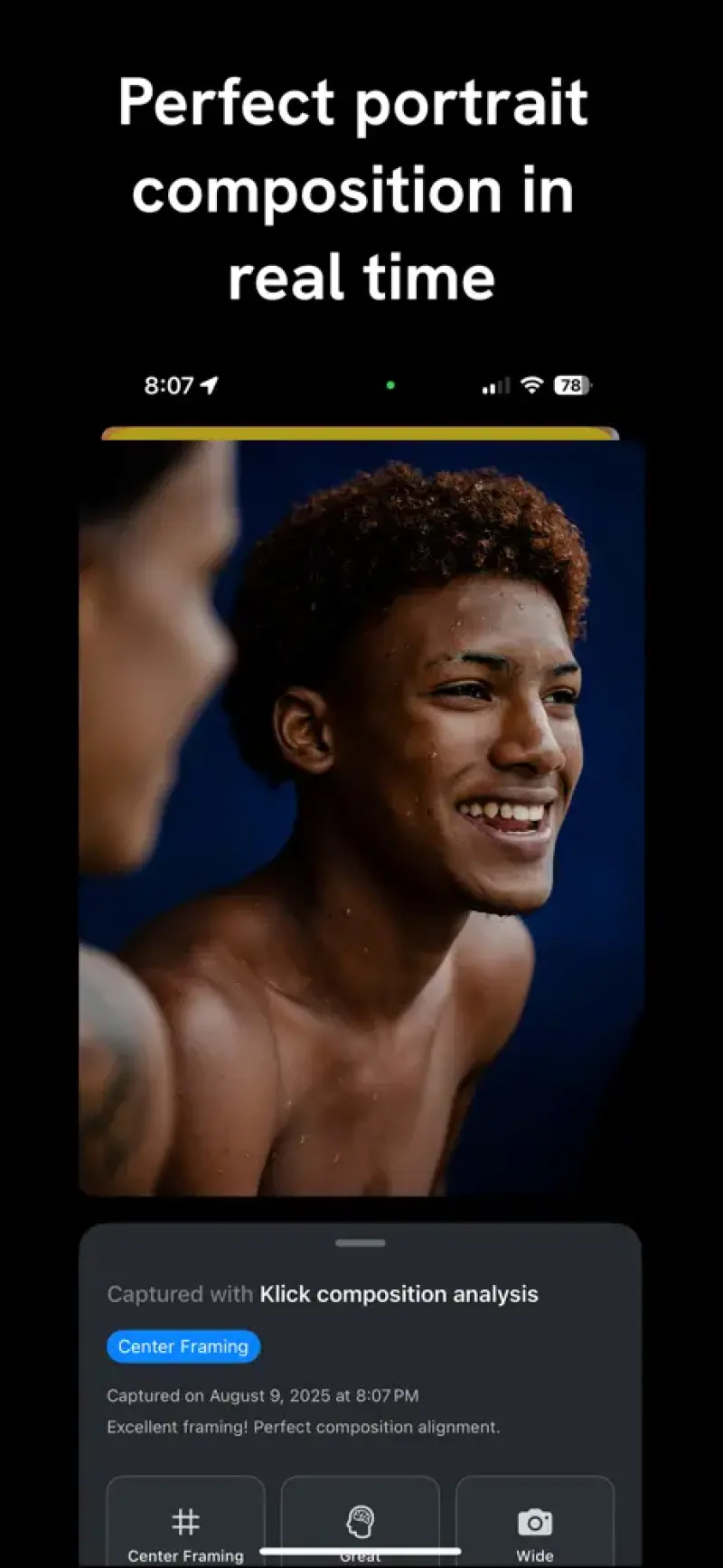
- Live composition feedback that analyzes your scene and suggests improvements for a more balanced and visually appealing photo.
- Instant framing tips that use AI to detect and adjust your shot's framing for optimal results, making you a better photographer with each use.
- Drag-to-compare functionality that lets you see the difference between your original shot and the AI-enhanced version, providing a clear visual of the app's impact.
Best For
- Amateur photographers looking to improve their mobile photography skills without needing extensive equipment or training.
- Social media influencers and content creators who need high-quality, engaging visuals to captivate their audience.
- Travelers and adventurers who want to capture stunning, professional-looking photos on the go, without the hassle of carrying bulky camera gear.
Top Use Cases
- Transforming poorly lit or awkwardly composed shots into stunning, professional-looking photos with the help of AI-powered guidance and feedback.
- Enhancing your mobile photography skills for capturing better portraits, landscapes, or street photography shots, thanks to personalized coaching and real-time feedback.
- Improving your social media presence with high-quality, visually appealing photos that grab attention and increase engagement, all taken and edited directly from your mobile device.
Integrations
- Integrates seamlessly with your device's camera and photo gallery, allowing for easy access and sharing of your enhanced photos across various social media and messaging platforms.
Pros
- Easy to use, provides instant feedback and guidance, and helps improve your photography skills over time.
Limitations
- May require an internet connection for full AI functionality, and some users may find the drag-to-compare feature distracting or unnecessary.
Read full editorial notes
Key Features
- Real-time shooting guidance that helps you capture better shots, reducing the need for post-editing and saving you time.
- Live composition feedback that analyzes your scene and suggests improvements for a more balanced and visually appealing photo.
- Instant framing tips that use AI to detect and adjust your shot's framing for optimal results, making you a better photographer with each use.
- Drag-to-compare functionality that lets you see the difference between your original shot and the AI-enhanced version, providing a clear visual of the app's impact.
- Personalized photography coaching through the app's AI, helping you improve your skills and develop your own unique style over time.
Ideal For
- Amateur photographers looking to improve their mobile photography skills without needing extensive equipment or training.
- Social media influencers and content creators who need high-quality, engaging visuals to captivate their audience.
- Travelers and adventurers who want to capture stunning, professional-looking photos on the go, without the hassle of carrying bulky camera gear.
Top Use Cases
- Transforming poorly lit or awkwardly composed shots into stunning, professional-looking photos with the help of AI-powered guidance and feedback.
- Enhancing your mobile photography skills for capturing better portraits, landscapes, or street photography shots, thanks to personalized coaching and real-time feedback.
- Improving your social media presence with high-quality, visually appealing photos that grab attention and increase engagement, all taken and edited directly from your mobile device.
Known Alternatives
- A more user-friendly and feature-rich alternative to traditional camera apps, offering AI-driven photography assistance that simplifies the process of taking great photos.
- A cost-effective and space-saving option compared to carrying a separate camera or purchasing expensive photography equipment, with the added benefit of AI-powered coaching.
Integrations & Ecosystem
- Integrates seamlessly with your device's camera and photo gallery, allowing for easy access and sharing of your enhanced photos across various social media and messaging platforms.
Pros & Cons
- Pros: Easy to use, provides instant feedback and guidance, and helps improve your photography skills over time.
- Limitations: May require an internet connection for full AI functionality, and some users may find the drag-to-compare feature distracting or unnecessary.
FAQ about Klick Photo
Concise answers based on the product's editorial information.
How does Klick Photo's AI-powered guidance work?
Klick Photo uses advanced AI algorithms to analyze your shot in real-time, providing instant feedback and suggestions for improvement based on composition, lighting, and other factors.
Can I use Klick Photo for professional photography projects?
Yes, Klick Photo is suitable for both amateur and professional photography projects, offering a range of features and tools to help you capture and edit high-quality photos directly from your mobile device.
Launched
Ownership
If this is your product, contact us and we can help transfer it to you.
 ChatGPT,
 Claude,
 Perplexity,
 Gemini
