


Parallels
Experience effortless integration of Windows and Mac operating systems for enhanced productivity
- Use Cases
- Not listed yet
- Pricing View
- Subscription
- Platforms
- Not listed yet
- Ideal For
- Developers IT Teams
Overview
Run Windows on Your Mac with Parallels: The Ultimate Virtualization Solution
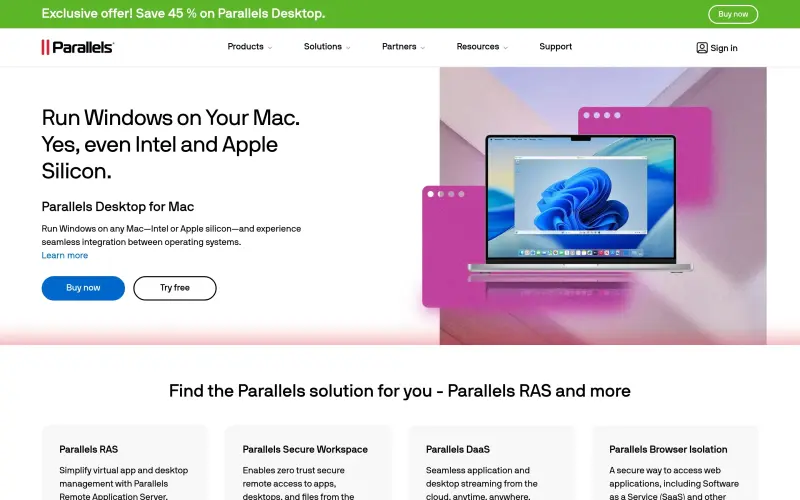
Parallels: Run Windows on Mac, Virtualization & VDI Solutions makes it easy to run Windows apps on your Mac, giving you the flexibility to work with the operating system you need, without having to switch devices.
Details
Key Features
- Seamless integration between Windows and Mac operating systems, allowing you to run Windows apps on any Mac, including those with Intel and Apple silicon chips.
- Easy-to-use interface that makes it simple to install, configure, and manage your virtual machines.
- Support for a wide range of Windows versions, including Windows 10, 8, and 7, as well as various Linux distributions.
- Fast and efficient performance, with support for up to 32 vCPUs and 128 GB of RAM per virtual machine.
Best For
- Mac users who need to run Windows-specific apps for work, such as software developers, engineers, and designers.
- Businesses that require virtual desktop infrastructure (VDI) solutions to support remote workers and BYOD policies.
- Students and educators who need to run Windows apps for educational purposes, such as programming, graphics design, or video editing.
Top Use Cases
- Running Windows-specific productivity apps, such as Microsoft Office, on a Mac, without having to dual-boot or use a separate Windows PC.
- Creating virtual machines for testing and development purposes, such as testing Windows apps on different versions of Windows.
- Deploying virtual desktops to remote workers, using Parallels Remote Application Server (RAS), to provide secure and flexible access to Windows apps and desktops.
Integrations
- Parallels Desktop integrates seamlessly with Mac OS X, allowing you to run Windows apps alongside Mac apps, and share files and folders between the two operating systems.
Pros
- Easy to use, fast performance, robust security features, and excellent customer support.
Limitations
- May require a significant amount of disk space and memory to run multiple virtual machines, and some users may experience compatibility issues with certain Windows apps.
Read full editorial notes
Key Features
- Seamless integration between Windows and Mac operating systems, allowing you to run Windows apps on any Mac, including those with Intel and Apple silicon chips.
- Easy-to-use interface that makes it simple to install, configure, and manage your virtual machines.
- Support for a wide range of Windows versions, including Windows 10, 8, and 7, as well as various Linux distributions.
- Fast and efficient performance, with support for up to 32 vCPUs and 128 GB of RAM per virtual machine.
- Robust security features, including encryption, firewalls, and secure boot, to protect your virtual machines and data.
Ideal For
- Mac users who need to run Windows-specific apps for work, such as software developers, engineers, and designers.
- Businesses that require virtual desktop infrastructure (VDI) solutions to support remote workers and BYOD policies.
- Students and educators who need to run Windows apps for educational purposes, such as programming, graphics design, or video editing.
Top Use Cases
- Running Windows-specific productivity apps, such as Microsoft Office, on a Mac, without having to dual-boot or use a separate Windows PC.
- Creating virtual machines for testing and development purposes, such as testing Windows apps on different versions of Windows.
- Deploying virtual desktops to remote workers, using Parallels Remote Application Server (RAS), to provide secure and flexible access to Windows apps and desktops.
Known Alternatives
- VMware Fusion, which offers similar virtualization capabilities, but may require more technical expertise to set up and manage.
- VirtualBox, a free and open-source virtualization platform, which may not offer the same level of performance and support as Parallels.
Integrations & Ecosystem
- Parallels Desktop integrates seamlessly with Mac OS X, allowing you to run Windows apps alongside Mac apps, and share files and folders between the two operating systems.
Pros & Cons
- Pros: Easy to use, fast performance, robust security features, and excellent customer support.
- Limitations: May require a significant amount of disk space and memory to run multiple virtual machines, and some users may experience compatibility issues with certain Windows apps.
Keep researching Parallels
Explore relevant products with a similar category, audience, or use case.



Resources
Social Profiles
Useful Links
FAQ about Parallels
Concise answers based on the product's editorial information.
Can I run Parallels Desktop on my Mac with an Apple silicon chip?
Yes, Parallels Desktop supports both Intel and Apple silicon chips, allowing you to run Windows apps on any Mac.
Do I need to have a separate Windows license to run Parallels Desktop?
Yes, you will need to have a valid Windows license to install and run Windows on your Mac using Parallels Desktop.
Launched
Ownership
If this is your product, contact us and we can help transfer it to you.
 ChatGPT,
 Claude,
 Perplexity,
 Gemini

