


Mojito
Type colons for instant emojis
136 website clicks
Launch week 23, 2026
- Use Cases
- Social Media Posts Email Writing
- Pricing
- Free
- Platforms
- MacOS
- Ideal For
- Content Creators Developers
Overview
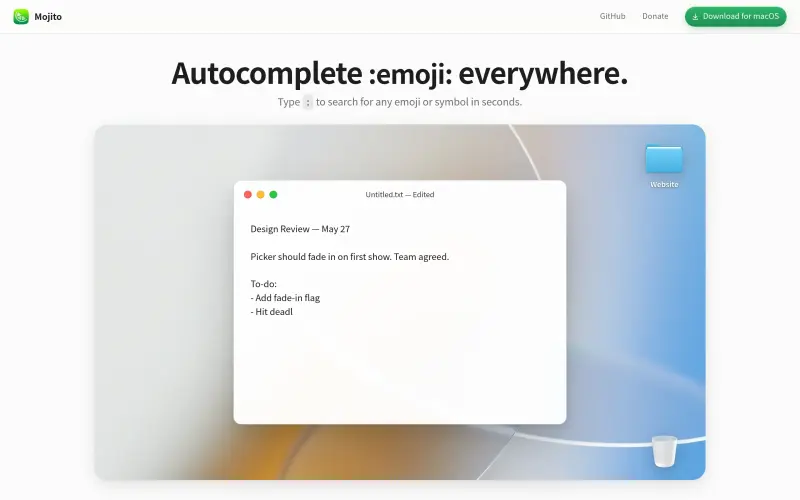
Mojito adds quickly emoji and symbol autocomplete to macOS, allowing you to type a colon and find what you need with ease.
It allows users to type a colon and search for emojis, symbols, or shortcodes in seconds, making it easy to add them to any text
Details
What is Mojito?
Mojito is a tool that provides autocomplete suggestions for emojis, symbols, and shortcodes. It works in various apps, including TextEdit and Terminal.
What are the key features of Mojito?
Autocomplete suggestions for emojis, symbols, and shortcodes
Works in any app on macOS, including TextEdit, iMessage, and Terminal
Easy to use: just type a colon and start searching
Customizable to fit your needs
Who is Mojito best for?
Anyone who wants to add emojis and symbols to their text on macOS
Users who frequently use emojis and symbols in their communication
Those who want a simple and easy-to-use tool for adding emojis and symbols
What are the pros and limitations of Mojito?
Pros: Appears next to your cursor as you type, eliminating the need for a separate window; Supports keyboard navigation with arrow keys and Return to insert; Works in multiple apps without requiring a mouse
Limitations: Not clearly stated in the available source material.
Built with
Keep researching Mojito
Explore relevant products with a similar category, audience, or use case.



Resources
Social Profiles
Useful Links
Launched
Ownership
If this is your product, contact us and we can help transfer it to you.
 ChatGPT,
 Claude,
 Perplexity,
 Gemini

