


OpenClaw
Turn your favorite messaging apps into a powerful command center. OpenClaw runs locally to manage your files, code, and calendar through natural language
151 website clicks
Launch week 6, 2026
- Use Cases
- Not listed yet
- Pricing
- Free
- Platforms
- Not listed yet
- Ideal For
- Developers
Overview
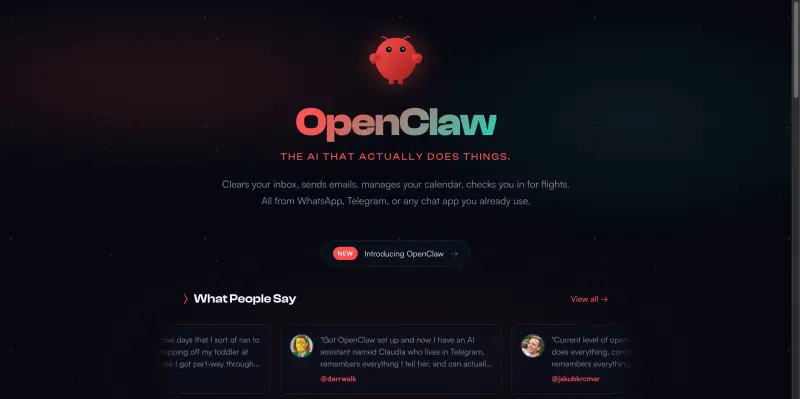
OpenClaw is a self-hosted AI agent gateway that bridges the gap between powerful LLMs and your local machine's capabilities. Unlike standard chatbots, OpenClaw is "conversation-first," allowing you to trigger complex system tasks—like debugging code, scraping the web, or managing smart home devices—directly through chat apps like Discord or iMessage. It features long-term persistent memory and a "skills" registry that lets the community expand its utility. Running locally offers a private, customizable alternative to proprietary AI assistants, giving you full control over your data and "agentic" workflows.
Details
Key Features
Messaging Integration: Control your AI assistant through the apps you already use, including WhatsApp, Telegram, Slack, and Discord.
Persistent Memory: Maintains long-term context and user preferences across conversations, so it learns how you work over time.
Autonomous Task Loops: Go beyond simple chat by executing multi-step plans, such as automatically finding a bug and opening a pull request.
Extensible Skill Registry: Access over 100+ community-built skills to connect with Notion, Spotify, GitHub, and home automation systems.
Local-First Privacy: Runs on your own hardware (Mac, Windows, or VPS), ensuring that sensitive interaction history stays under your control.
Who This Is For
Technical Early Adopters: Individuals comfortable with the command line who want to build a personalized, always-on AI "pet" or assistant.
Automation Enthusiasts: Users who want to replace manual "cron jobs" with intelligent, proactive agents that monitor their digital lives.
Privacy-Conscious Developers: Engineers who need the power of an AI agent but refuse to upload their private files or credentials to a cloud-based SaaS.
Common Questions
Q: Does OpenClaw require a high-end PC to run?
A: Not necessarily. While it can run local models with a powerful GPU, many users run the lightweight gateway on old hardware (like a Mac Mini) and connect it to cloud APIs.
Q: Is my data safe with OpenClaw?
A: Yes, since you host it yourself, you control the data. However, users should be cautious when downloading community "skills" and ensure they follow security best practices.
Q: How do I add new abilities to my agent?
A: You can browse the "ClawHub" registry for pre-made skills or simply tell the agent to "learn" a new task; it can often write the necessary code to integrate with new tools itself.
Keep researching OpenClaw
Explore relevant products with a similar category, audience, or use case.


Launched
Ownership
If this is your product, contact us and we can help transfer it to you.
 ChatGPT,
 Claude,
 Perplexity,
 Gemini

