


Shotwell
Transform your iPhone screenshots into stunning visuals with effortless editing and export capabilities
Overview
Elevate Your iPhone Screenshots with Shotwell, the Ultimate Screenshot Editor
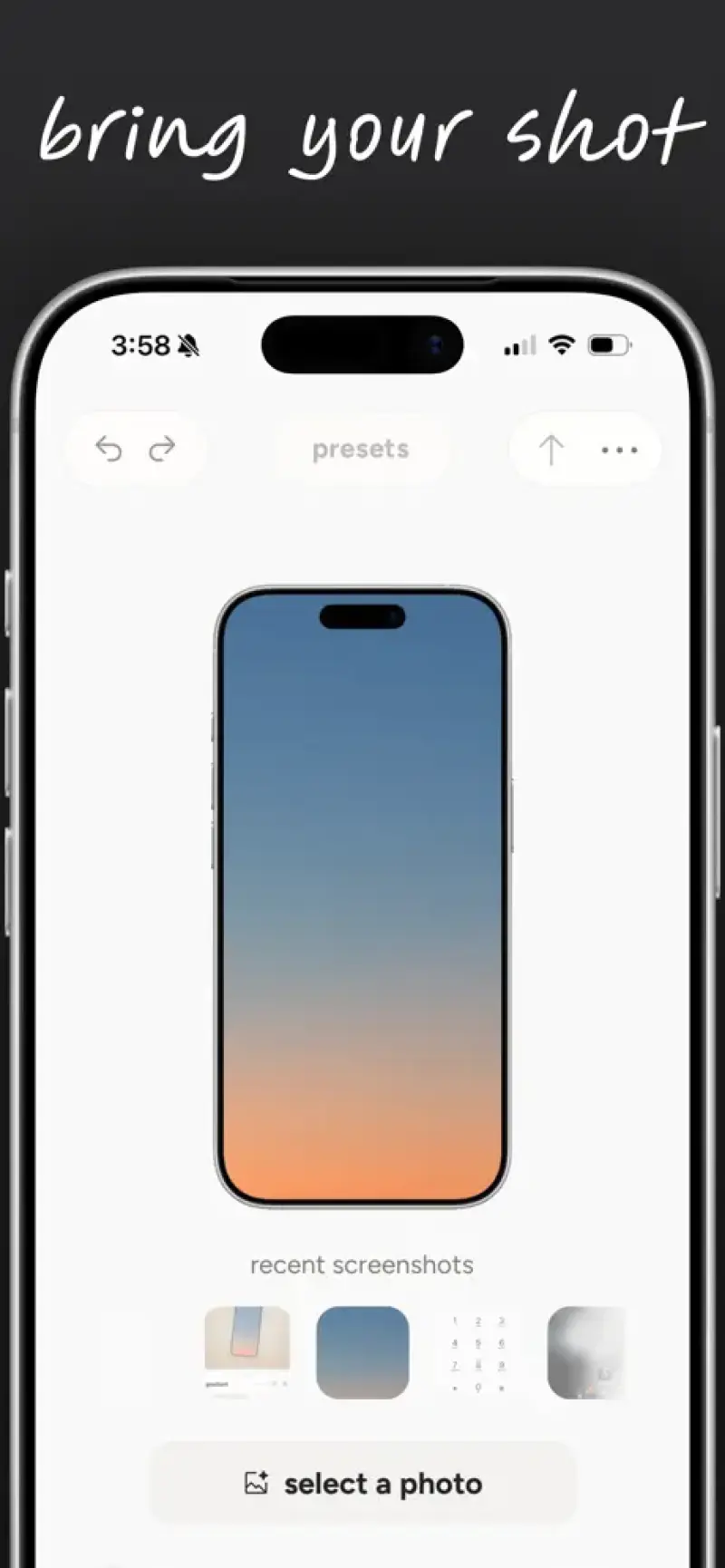
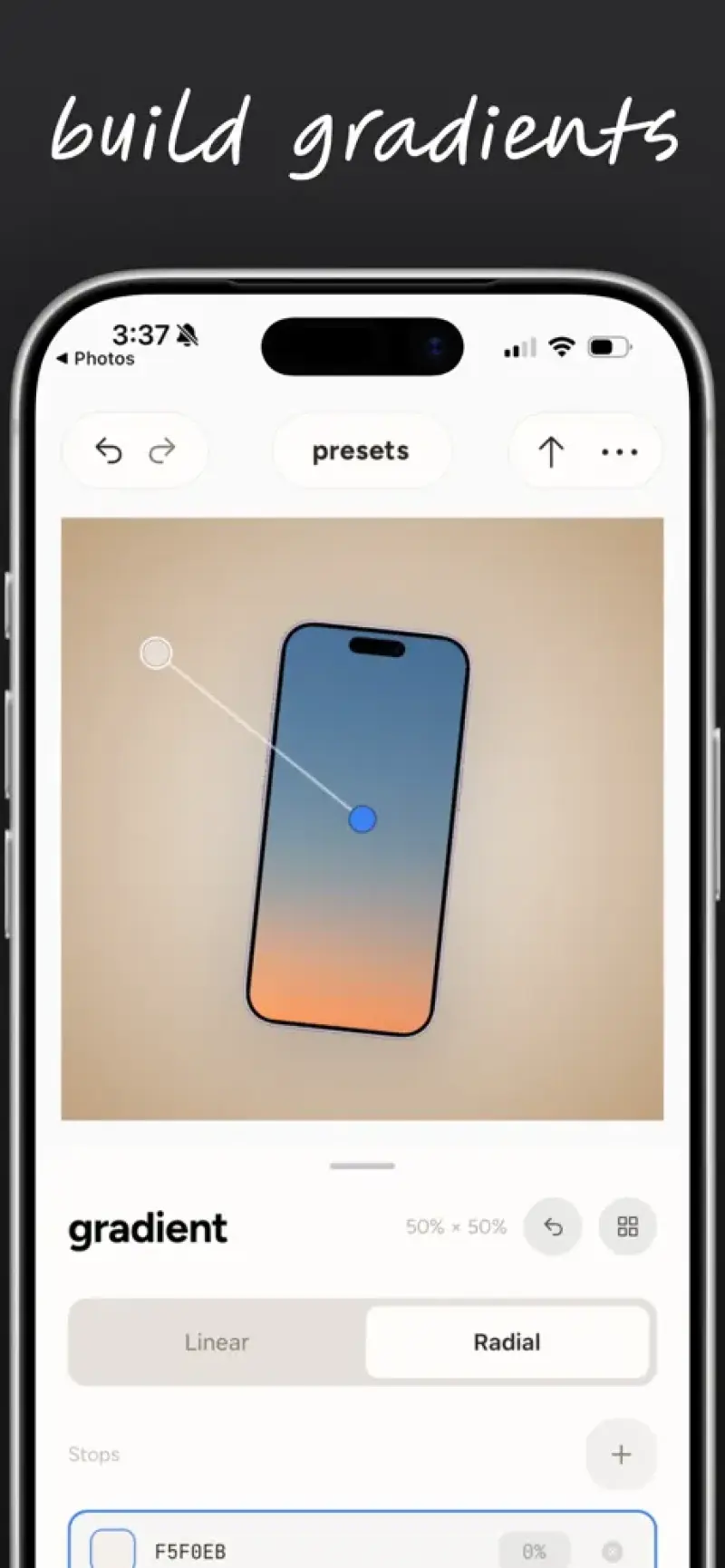
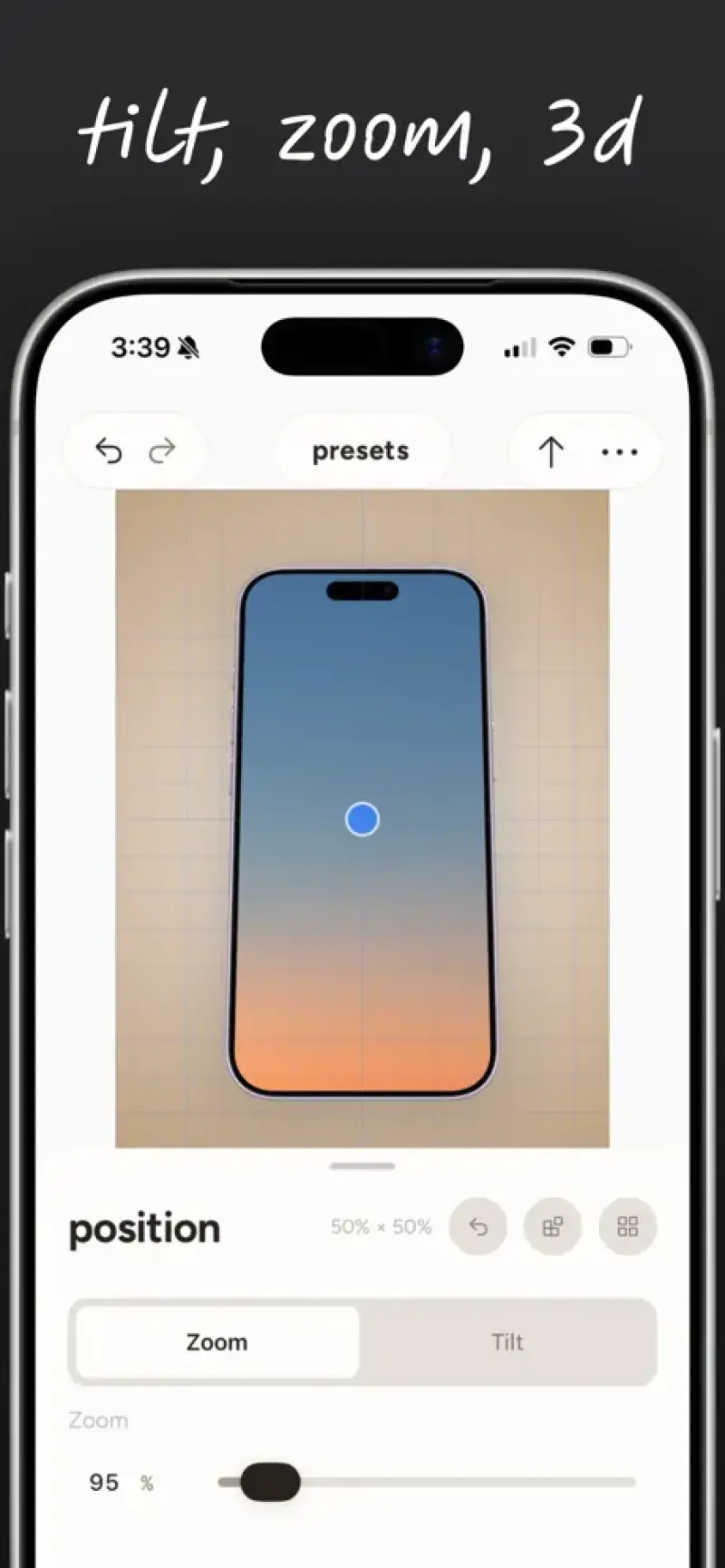
Shotwell solves the frustration of capturing and sharing screenshots that lack context and visual appeal, providing a seamless way to wrap screenshots in pixel-perfect device frames, add backgrounds and shadows, and export them in seconds.
Details
Key Features
- Effortless screenshot editing that saves time and enhances visual communication, allowing users to focus on what matters most.
- Native iPhone integration for a seamless and intuitive user experience, ensuring that Shotwell feels like an integral part of the iPhone ecosystem.
- Pixel-perfect device frames that accurately represent the iPhone's design, making it ideal for designers, developers, and marketers who need to showcase their work in a realistic environment.
- Customizable backgrounds and shadows that enable users to personalize their screenshots and make them stand out in presentations, reports, and social media posts.
Best For
- Designers and developers who need to create visually appealing screenshots for their portfolios, presentations, and marketing materials.
- Marketers and social media managers who want to enhance their content with high-quality, contextual screenshots that drive engagement and conversions.
- Business professionals who need to communicate complex ideas and workflows through clear, concise, and well-designed screenshots.
Top Use Cases
- Creating engaging social media posts that showcase new app features, promotions, or events, and drive user engagement and conversions.
- Developing comprehensive user manuals, guides, and tutorials that use annotated screenshots to explain complex workflows and processes.
- Designing compelling presentations, reports, and pitches that incorporate high-quality screenshots to illustrate key points and ideas.
Integrations
- Integrates seamlessly with the iPhone's native sharing features, allowing users to export and share their edited screenshots directly to social media, email, and messaging apps.
Pros
- Intuitive interface, fast export options, customizable features, and native iPhone integration, making it an ideal choice for users who value ease of use and flexibility.
Limitations
- Limited to iPhone devices, and may not offer as many advanced editing features as desktop-based screenshot tools, making it less suitable for power users who require more complex editing capabilities.
Read full editorial notes
Key Features
- Effortless screenshot editing that saves time and enhances visual communication, allowing users to focus on what matters most.
- Native iPhone integration for a seamless and intuitive user experience, ensuring that Shotwell feels like an integral part of the iPhone ecosystem.
- Pixel-perfect device frames that accurately represent the iPhone's design, making it ideal for designers, developers, and marketers who need to showcase their work in a realistic environment.
- Customizable backgrounds and shadows that enable users to personalize their screenshots and make them stand out in presentations, reports, and social media posts.
- Fast export options that allow users to quickly share their edited screenshots across various platforms, including social media, email, and messaging apps.
Ideal For
- Designers and developers who need to create visually appealing screenshots for their portfolios, presentations, and marketing materials.
- Marketers and social media managers who want to enhance their content with high-quality, contextual screenshots that drive engagement and conversions.
- Business professionals who need to communicate complex ideas and workflows through clear, concise, and well-designed screenshots.
Top Use Cases
- Creating engaging social media posts that showcase new app features, promotions, or events, and drive user engagement and conversions.
- Developing comprehensive user manuals, guides, and tutorials that use annotated screenshots to explain complex workflows and processes.
- Designing compelling presentations, reports, and pitches that incorporate high-quality screenshots to illustrate key points and ideas.
Known Alternatives
- CleanShot, which offers similar features but is limited to desktop devices, making Shotwell a more versatile and convenient option for iPhone users.
- Other screenshot editing tools that lack Shotwell's native iPhone integration, intuitive interface, and customizable features, making them less ideal for users who value ease of use and flexibility.
Integrations & Ecosystem
- Integrates seamlessly with the iPhone's native sharing features, allowing users to export and share their edited screenshots directly to social media, email, and messaging apps.
Pros & Cons
- Pros: Intuitive interface, fast export options, customizable features, and native iPhone integration, making it an ideal choice for users who value ease of use and flexibility.
- Limitations: Limited to iPhone devices, and may not offer as many advanced editing features as desktop-based screenshot tools, making it less suitable for power users who require more complex editing capabilities.
Keep researching Shotwell
Explore relevant products with a similar category, audience, or use case.
 NotchNest AI
Supercharge your workflow with intelligent features that simplify task management and boost focus.
NotchNest AI
Supercharge your workflow with intelligent features that simplify task management and boost focus.
 Barometric Pressure
Stay ahead of changing weather conditions with accurate offline pressure tracking and personalized alerts for better health and outdoor planning.
Barometric Pressure
Stay ahead of changing weather conditions with accurate offline pressure tracking and personalized alerts for better health and outdoor planning.
 Remind Me Later
Reclaim your time with a daily digest of saved content, tailored to your schedule and interests.
Remind Me Later
Reclaim your time with a daily digest of saved content, tailored to your schedule and interests.
FAQ about Shotwell
Concise answers based on the product's editorial information.
Is Shotwell available for Android devices?
Currently, Shotwell is only available for iPhone devices, but we may consider developing an Android version in the future based on user demand.
Can I use Shotwell for free?
Shotwell offers a free version with limited features, as well as a premium subscription that unlocks additional features and capabilities, allowing users to choose the plan that best fits their needs.
Launched
Ownership
If this is your product, contact us and we can help transfer it to you.
 ChatGPT,
 Claude,
 Perplexity,
 Gemini

