

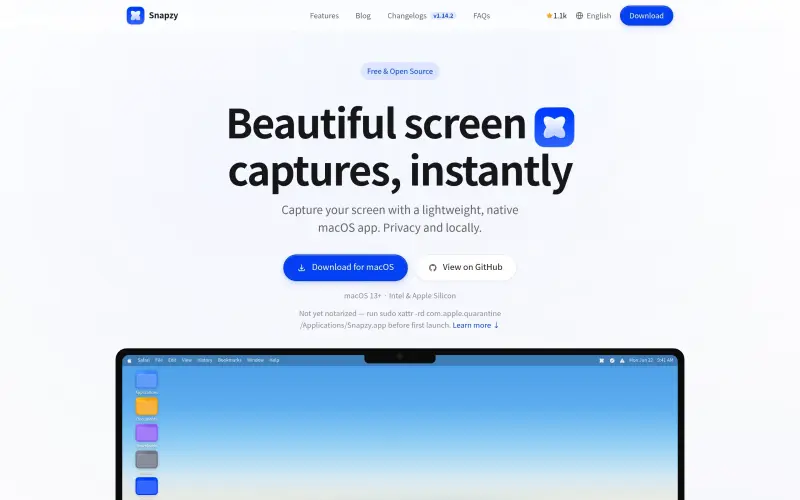

Snapzy
Elevate your visual communication with Snapzy's powerful yet simple tools for creating and sharing beautiful screen captures and recordings.
- Use Cases
- Not listed yet
- Pricing
- Free
- Platforms
- Not listed yet
- Ideal For
- Content Creators Designers
Overview
Snapzy is a native macOS app for capturing and editing screenshots and screen recordings, helping users create and share visuals quickly and easily.
Snapzy streamlines the process of capturing and editing screenshots and screen recordings, making it a useful tool for anyone who needs to create and share visual content on a Mac.
Details
Key Features
- Area Selection allows for precise capture of any part of the screen with intuitive guides and keyboard modifiers.
- Scrolling Capture enables users to capture entire webpages or long documents in one continuous motion.
- Built-in Editor provides tools for annotating and beautifying captures, including adding arrows, text, and highlights.
- Screen Recording allows for high-quality video capture with system audio and microphone support.
Best For
- Content creators who need to capture and edit screenshots and screen recordings for tutorials, blogs, or social media.
- Developers and designers who need to document and share their work with colleagues or clients.
- Anyone who needs to create and share visual content on a Mac, such as students, teachers, or marketers.
Integrations
- Snapzy can upload captures to S3 or R2 buckets, allowing for easy sharing and storage of visual content.
Pros
- Snapzy is free and open source, easy to use, and offers a range of features for capturing and editing screenshots and screen recordings.
Limitations
- Snapzy is only available for macOS, and may not offer all the features or integrations that some users require.
Read full editorial notes
What are the key features of Snapzy?
- Area Selection allows for precise capture of any part of the screen with intuitive guides and keyboard modifiers.
- Scrolling Capture enables users to capture entire webpages or long documents in one continuous motion.
- Built-in Editor provides tools for annotating and beautifying captures, including adding arrows, text, and highlights.
- Screen Recording allows for high-quality video capture with system audio and microphone support.
- Quick Access enables users to manage recent captures instantly from the menu bar.
Who is Snapzy best for?
- Content creators who need to capture and edit screenshots and screen recordings for tutorials, blogs, or social media.
- Developers and designers who need to document and share their work with colleagues or clients.
- Anyone who needs to create and share visual content on a Mac, such as students, teachers, or marketers.
What are the top use cases for Snapzy?
- Creating tutorials or instructional videos that require screen recordings and annotations.
- Capturing and editing screenshots for blog posts, social media, or presentations.
- Documenting and sharing design or development work with colleagues or clients.
How does Snapzy compare to alternatives?
- Snapzy offers a native macOS experience and a focus on simplicity and ease of use, making it a good choice for users who value a streamlined workflow.
- Unlike some other screen capture tools, Snapzy is free and open source, making it a cost-effective option for users on a budget.
What integrations and ecosystem support does Snapzy offer?
- Snapzy can upload captures to S3 or R2 buckets, allowing for easy sharing and storage of visual content.
What are the pros and limitations of Snapzy?
- Pros: Snapzy is free and open source, easy to use, and offers a range of features for capturing and editing screenshots and screen recordings.
- Limitations: Snapzy is only available for macOS, and may not offer all the features or integrations that some users require.
Keep researching Snapzy
Explore relevant products with a similar category, audience, or use case.



Resources
Social Profiles
Useful Links
FAQ about Snapzy
Concise answers based on the product's editorial information.
What is Snapzy and how does it work?
Snapzy is a native macOS app that allows users to capture and edit screenshots and screen recordings, with features like Area Selection, Scrolling Capture, and Built-in Editor.
Is Snapzy free to use?
Yes, Snapzy is free and open source, making it a cost-effective option for users who need to capture and edit screenshots and screen recordings.
Launched
Ownership
If this is your product, contact us and we can help transfer it to you.
 ChatGPT,
 Claude,
 Perplexity,
 Gemini

